Testing my backups
Last Saturday, I was writing the ESP32 blog post, and almost directly after posting it online, the entire cluster went down. Unfortunately, my server is around 30 minutes of driving away from my home. I have a BliKVM setup, but due to an unknown curse, one of the servers never managed to be captured by the KVM (even though everything I run is redundant, and only one of the two sets work?).
After some troubleshooting, I discovered that SN2 was still up and operational, but SN1 was completely unresponsive. So I opened the KVM, held the virtual power button to power it off, and then powered it on again. But SN1 refused to come online. Naturally, I tried a few more times and I did manage to log in after a bit! but running any commands yielded an I/O error. I assumed the disk was full but even running df -h gave me an I/O error.
The next day I got over to the server, and checked it out. The NVMe SSD refused to do anything. It took a full minute to post, and it was not recognized. When I booted the server using a USB stick, the kernel showed NVMe timeouts. I tried adding some kernel parameters that should supposedly help, by allowing the kernel to wait longer. This had no effect. I assume that the SSDs controller had died. I suppose it was time for an upgrade regardless, since all of my volumes had reached >90% of the total capacity.
I use the services I host every day, so it’s really nice to avoid downtime. That’s why I bought and picked up a new set of SSDs the same day. Because I do not run a HA cluster, and only have a single master node (which died!), the entire cluster needs to be rebuilt. For a moment I was worried that I didn’t have a compiled version of k3os-1.30 ready, which I want to install, but the downloadable copy of k3os-1.30 is stored on my Gitlab,,, which was down… Luckily I still had a copy on my desktop computer. It would’ve been so much effort to install an outdated k3os, just to restore gitlab and get the real image. I guess the take-away is that circular dependencies are bad and should be avoided. I once had a similar issue with my DNS provider and the email that I host.. :)
Installing k3os
To restore my cluster, I need to install k3os. This is split up in 4 steps:
- Remaster the k3os ISO to a SN1 install
- Install the master node
- Remaster the k3os ISO to a SN2 install
- Install the worker node
Remastering the k3os iso is really simple, and can be done using the following commands:
mount -o loop k3os.iso /mnt
mkdir -p iso/boot/grub
cp -rf /mnt/k3os iso/
cp /mnt/boot/grub/grub.cfg iso/boot/grub/

# Overwrite the new k3s.yml with a custom version

grub-mkrescue -o k3os-new.iso iso/ -- -volid K3OS
An example of my k3s.yml is:
ssh_authorized_keys:
  - ssh-rsa AAAAB3NzaC1yc2EAAAADAQ... left out for brevity
hostname: SN1.lan
k3os:
  modules:
    - kvm
    - vhost_net
    - nvme
  k3s_args:
    - server
    - "--disable=traefik,servicelb"
    - "--cluster-cidr=10.100.0.0/16"
    - "--service-cidr=10.101.0.0/16"
Then use dd to destroy your USB stick and you’re ready to install the master node. Of course in reality you need to do this step around 5 times because you’ve made a mistake.

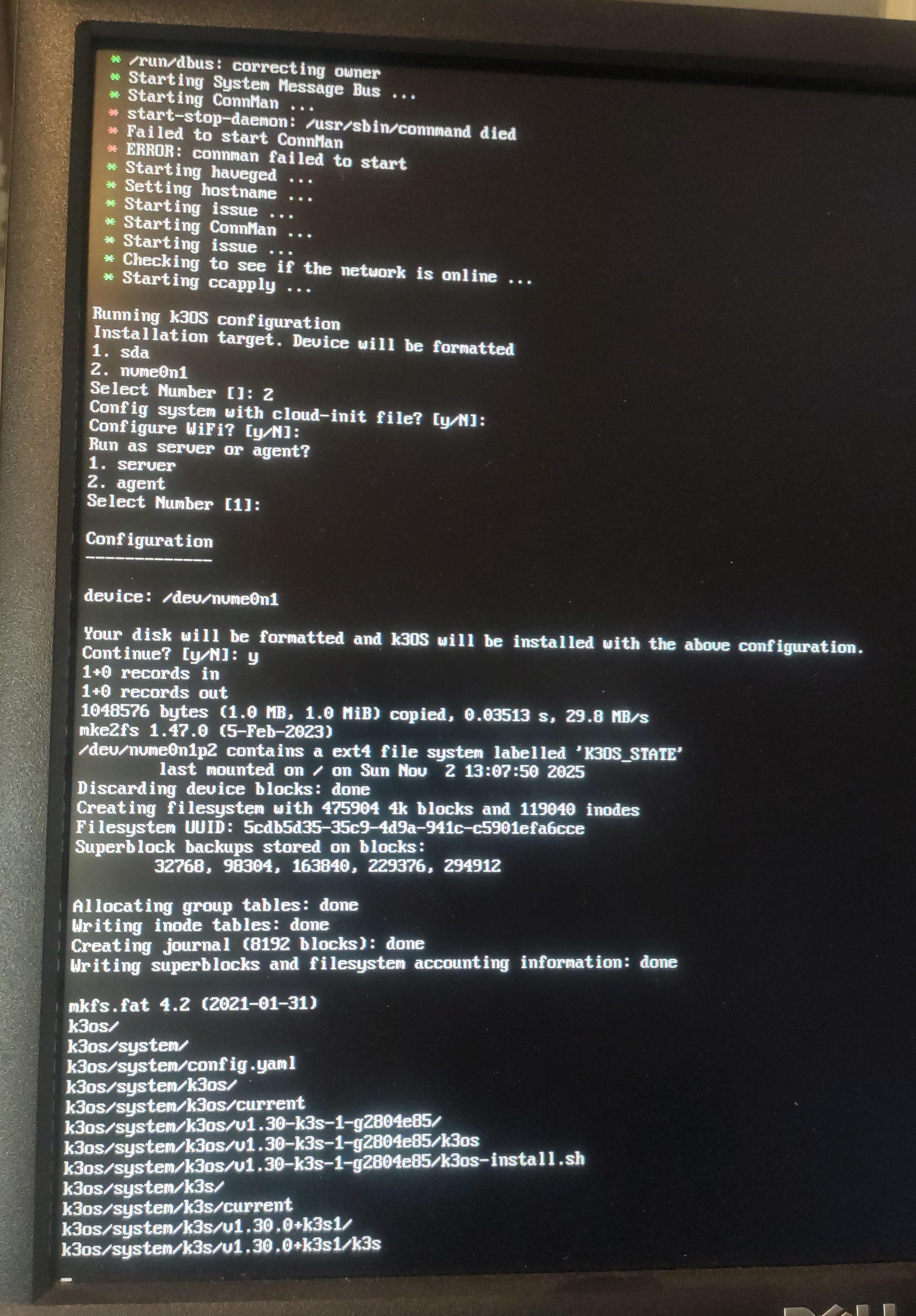
And in a couple of minutes, it’s installed! up and running! Then repeat the steps for the worker nodes.
When both nodes are up and online, we can restore the data volumes and then deploy the workloads again. My volumes are stored on a NAS with slow HDD’s, so this took quite a while (>6 hours). It doesn’t help that Longhorn is quite slow at this workload.
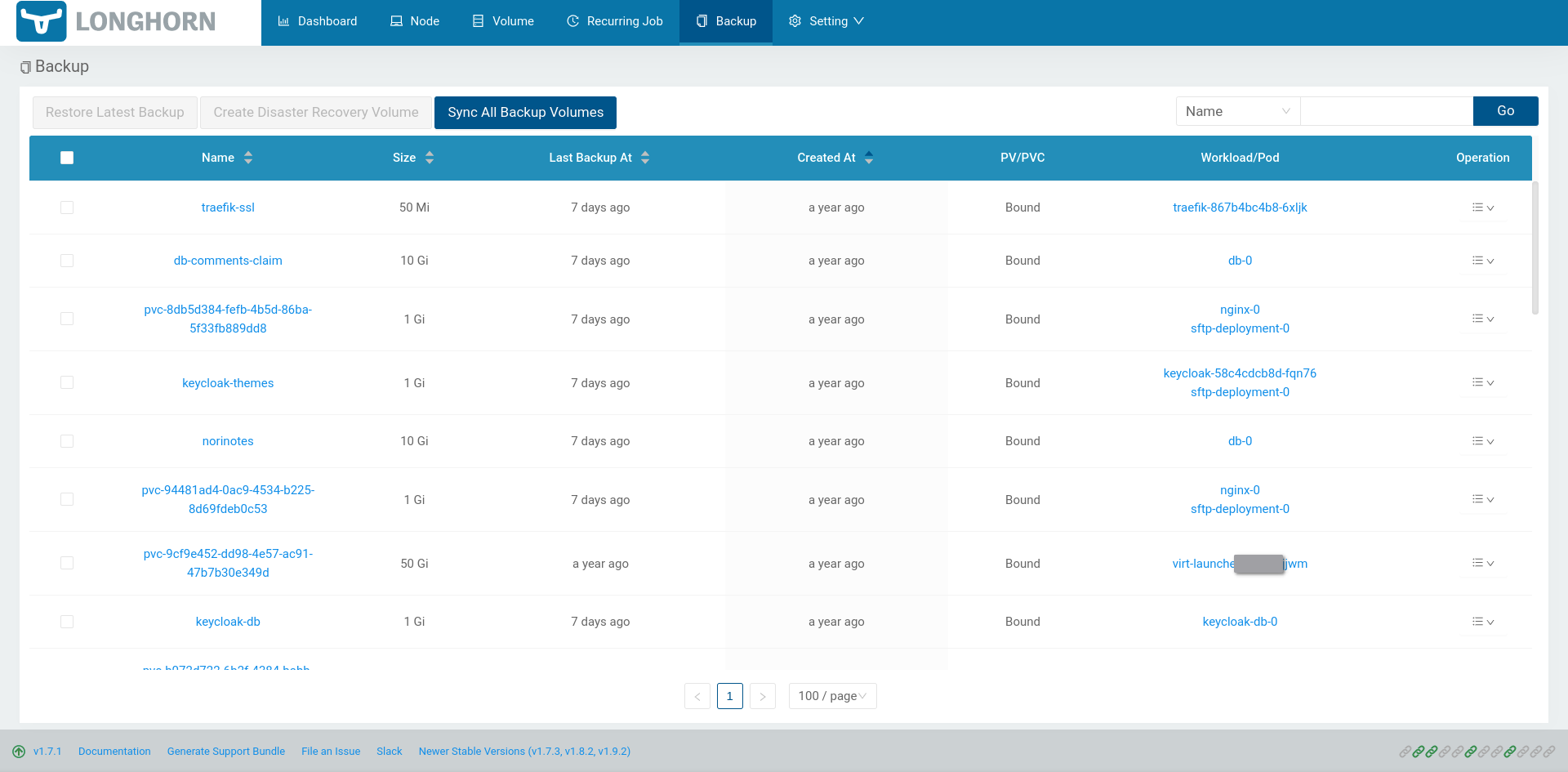
A list of backups that Longhorn detected on my NAS:

My volumes restoring can be seen here:
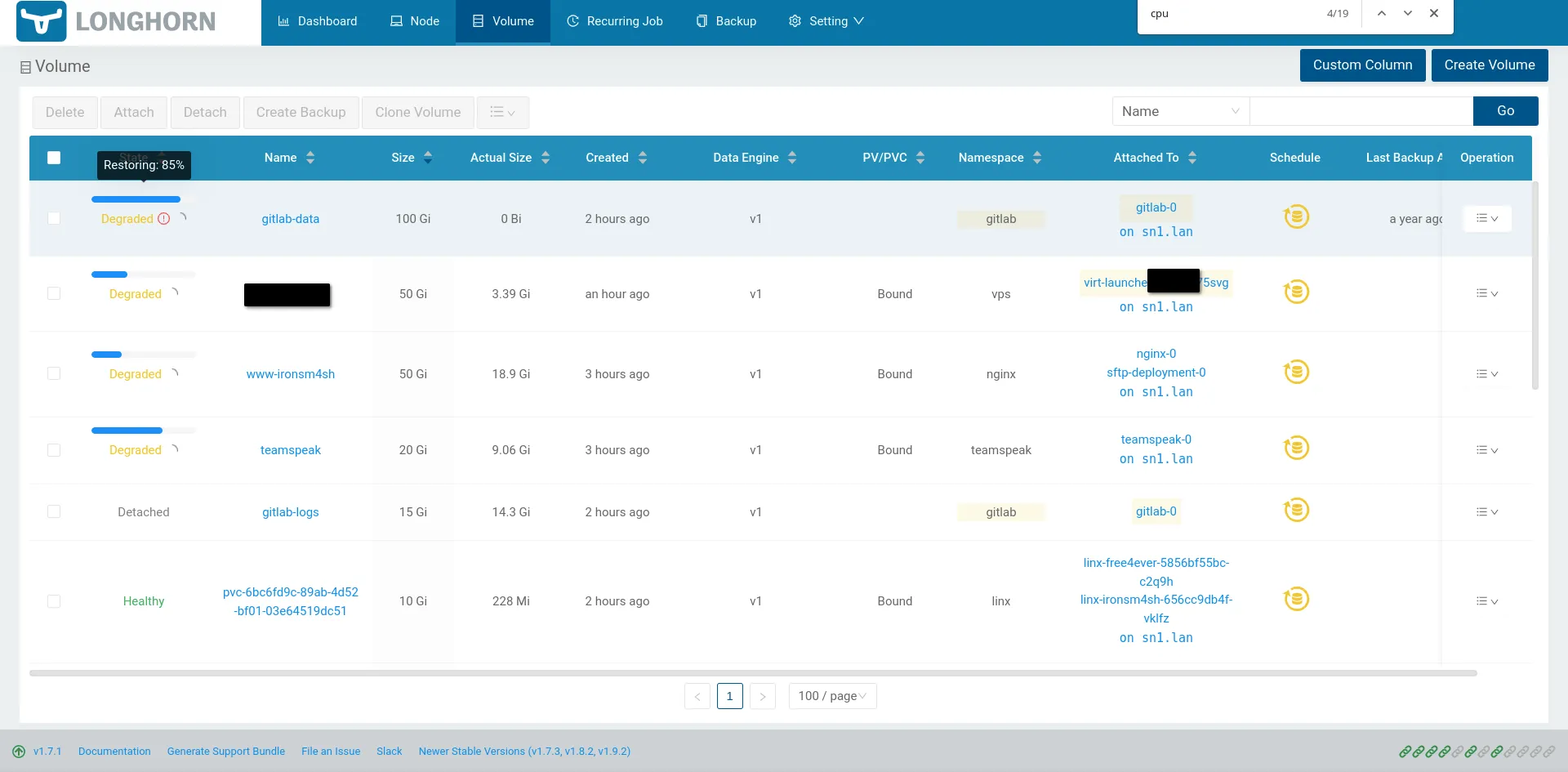
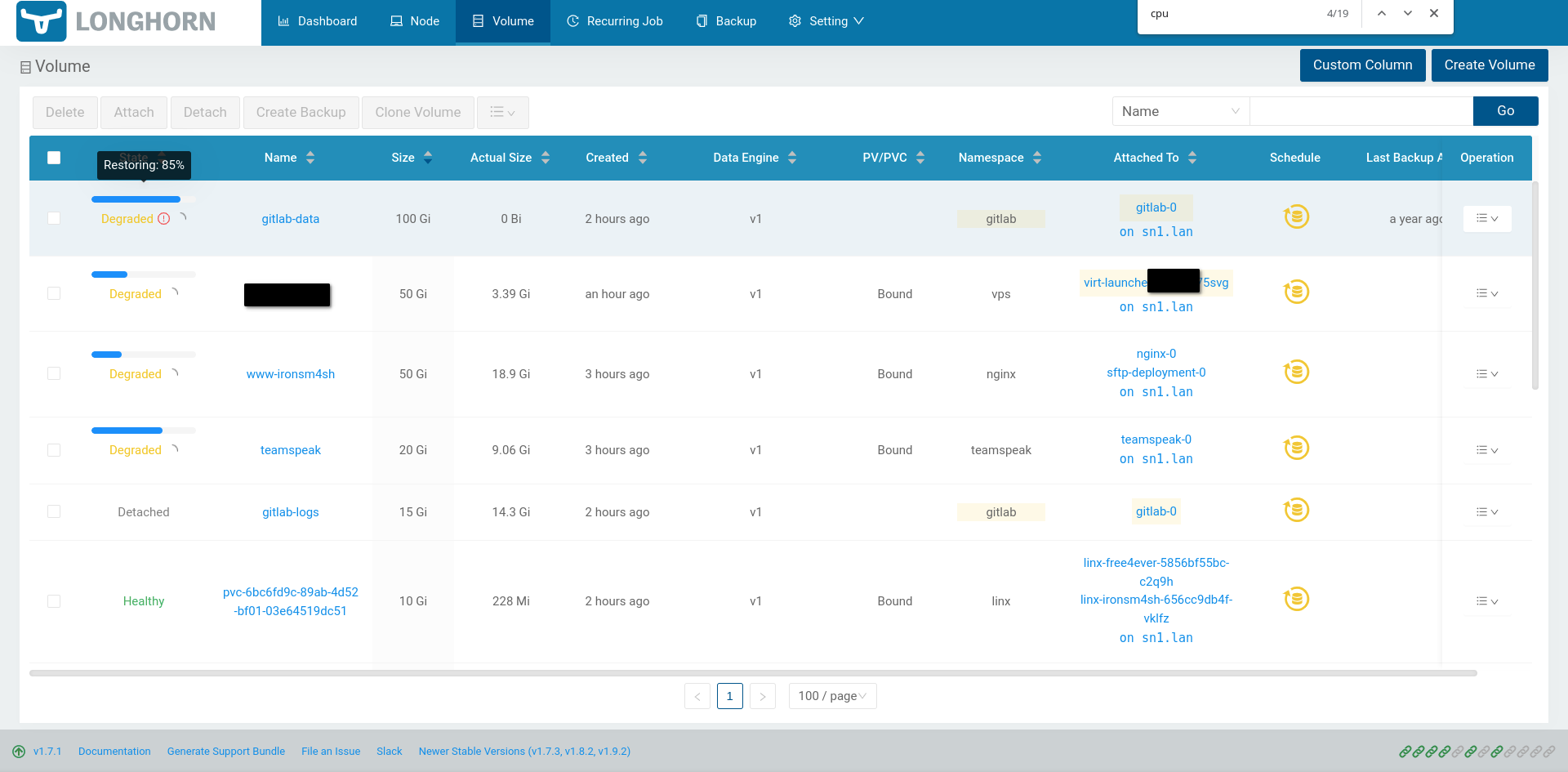

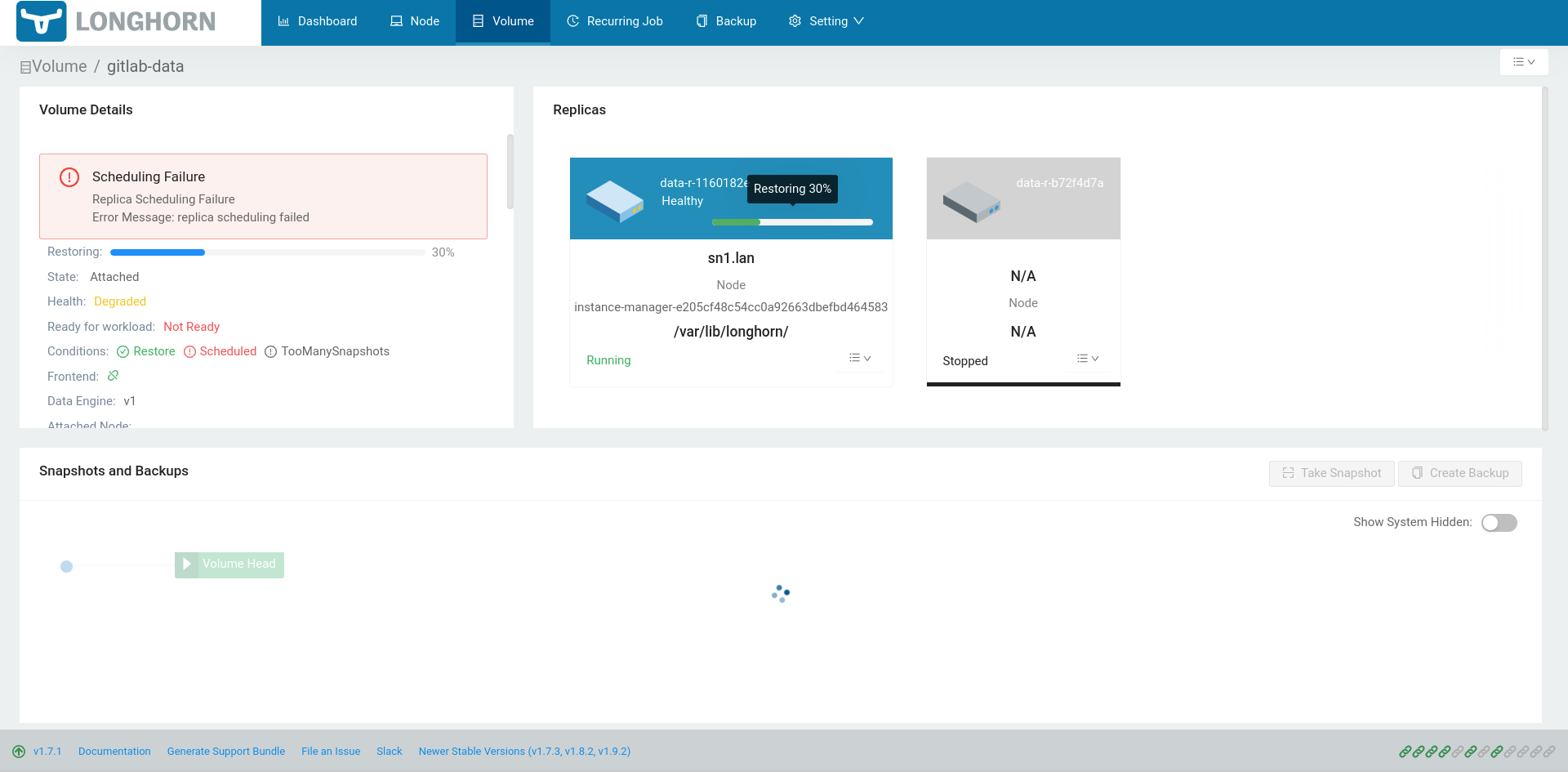
When a volume was restored, I deployed the associated k8s workloads again (which needed slight changes to use an existing PVC instead of generating a new one), and everything was up and running without many issues. I am very pleasantly surprised with the ease of use for redeploying my entire cluster from a brand new SSD. Sadly I do miss a week of data since I backup every Monday, and it crashed on a Sunday. But by far the longest time was spent waiting for my slow NAS to upload the volumes.
Unscheduled backup test: ✅ passed
Thank you for reading this article.If you spot any mistakes or if you would like to contact me, visit the contact page for more details.