ESP32 Checklist
At my local hackerspace, Hackalot, we have a checklist for when the last person is leaving the space. This checklist helps you ensure everything is left alone properly. The list was a laser-engraved piece of wood that lists everything that needed to happen. This worked if you knew it was there, but otherwise it was nearly invisible.
I wanted to replace it, but the replacement needed to be cool, over-engineered and look somewhat pretty. (I tried to make a version that was so ugly that you couldn’t ignore it, but it was not appreciated by all members). And what’s cooler than a checklist that you can actually check? And what if there were multiple of them mounted near the places where something that needs to happen, that were synchronised? What if it had touch controls? That is what I made.
The final result looks like this (if all items are checked):

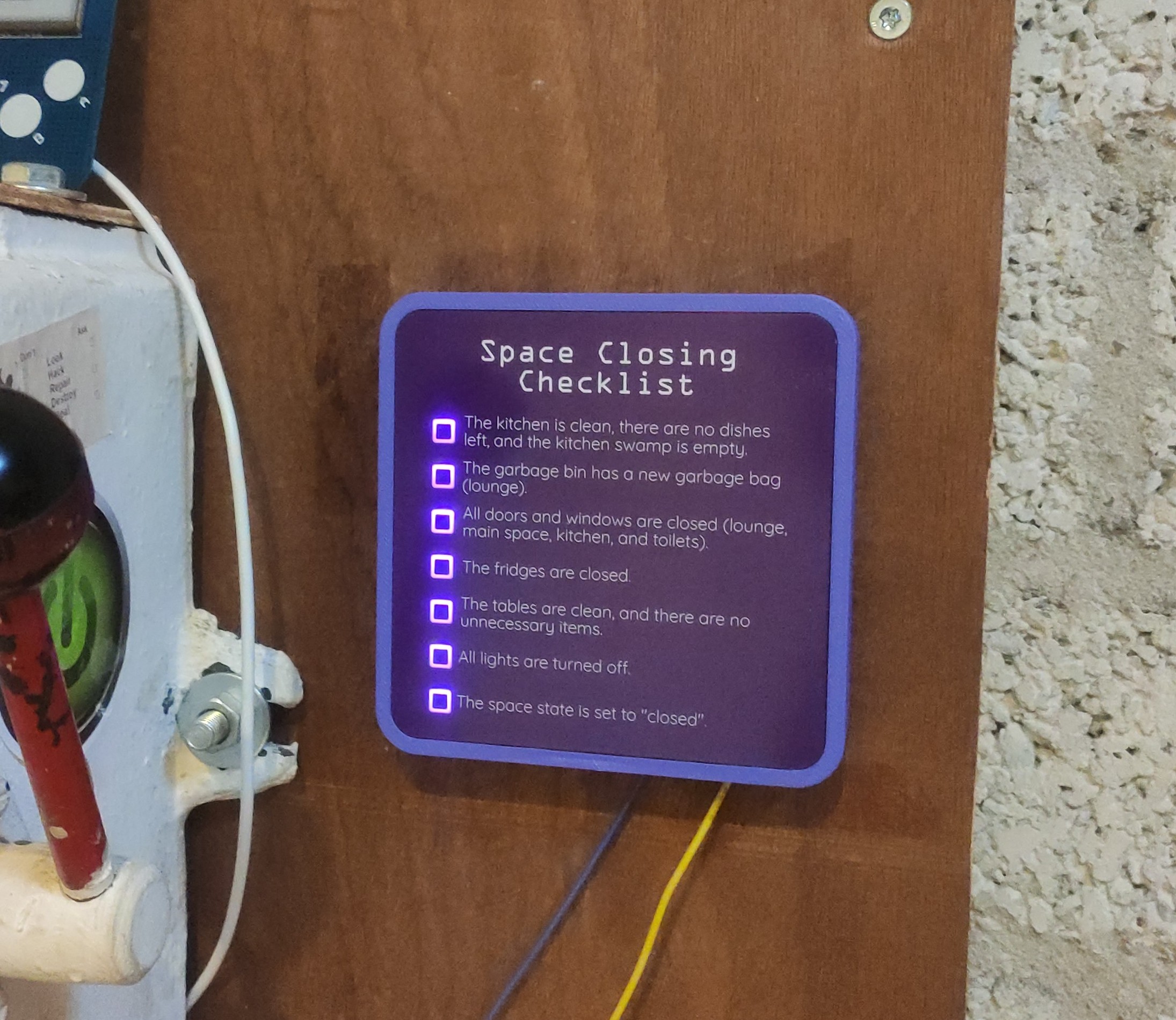
To make such a checklist, you only need the following electronics:
- An ESP32
- A couple of LED’s
- A couple of resistors
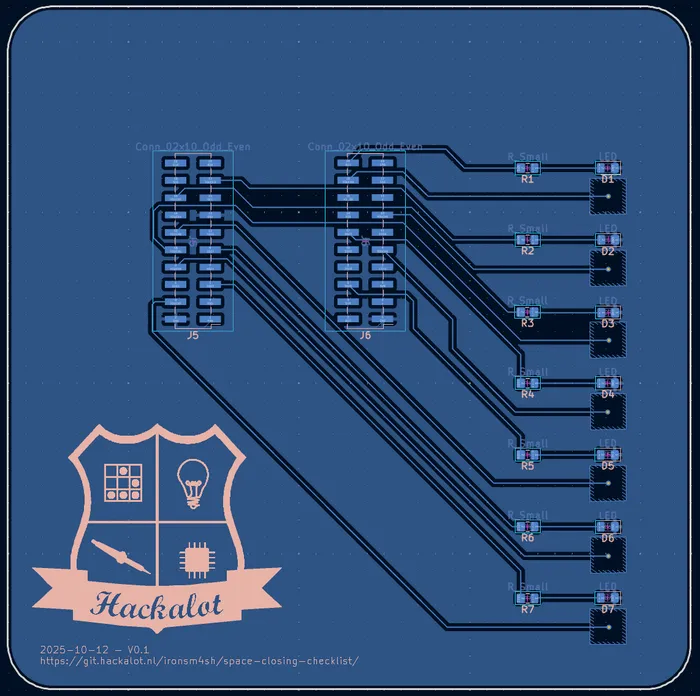
This is because the ESP32 natively has support for touch pins, and network connectivity through WiFi. All you need to do is create a PCB where the touch pins are exposed as touchpads, and the LED’s are placed in such a way that it’s clear when an item is checked. I used a couple of SMD LEDs that are mounted sideways, covered in a thin layer of hot-glue to act as a diffuser. This is what my PCB design (rear) looks like:

Using touch pins in the Arduino framework looks simple, but it is surprisingly difficult. The Arduino framework for the ESP32 contains a function called touchRead which returns a touch pad value, whatever that means. In reality the touch pins work using small charge-cycles, and a measurement on how quickly the capacitance discharges. This means that every touch pin will have different values, and changes at a different rate when touched. This means that you will need to calibrate each touchpad individually. To add to this, the environment (temperature, humidity, etc.) makes a massive influence on the values that touchRead returns.
I check for touches using the following calibration and touch logic:
// For each button
// Read the baseline value 50 times, and store the average value
void TouchManager::calibrate() {
  Serial.println("Calibrating buttons...");
  for (int i = 0; i < 7; i++) {
    unsigned long sum = 0;
    for (int j = 0; j < 50; j++) {
      sum += touchRead(btnPins[i]);
      delay(10);
    }
    btnBaseline[i] = sum / 50.0;
    Serial.printf("Button %d baseline: %.1f\n", i, btnBaseline[i]);
  }
}

// For the specified pin
// Get the current deviation from the baseline
// Toggle the LED if the deviation
void TouchManager::checkTouch(int index) {
  unsigned long now = millis();
  int raw = touchRead(btnPins[index]);
  float baseline = btnBaseline[index];
  float delta = (baseline - raw) * TOUCH_RATIO;
  bool touching = (delta > 5);

  // Removed for brevity:
  // Periodically calibrate to avoid being triggered by a changing environment

  if (touching && !btnTouching[index] && (now - lastTouch[index] > DEBOUNCE_MS)) {
    LED.set(index, !LED.get(index), true);
    btnTouching[index] = true;
    lastTouch[index] = now;
    Serial.printf("Touch %d toggled LED -> %d\n", index, LED.get(index));
  }

  // Ensure that the pin has returned to the baseline before
  // allowing another touch to trigger
  if (!touching && btnTouching[index]) {
    btnTouching[index] = false;
  }
}
And this works mostly alright, but has the tendency to trigger a touch action after a while. Making it very responsive so that you can slide over all touch pads to trigger them all, but avoiding random touch events is a delicate balance. It still needs a little bit of tweaking to work perfectly.
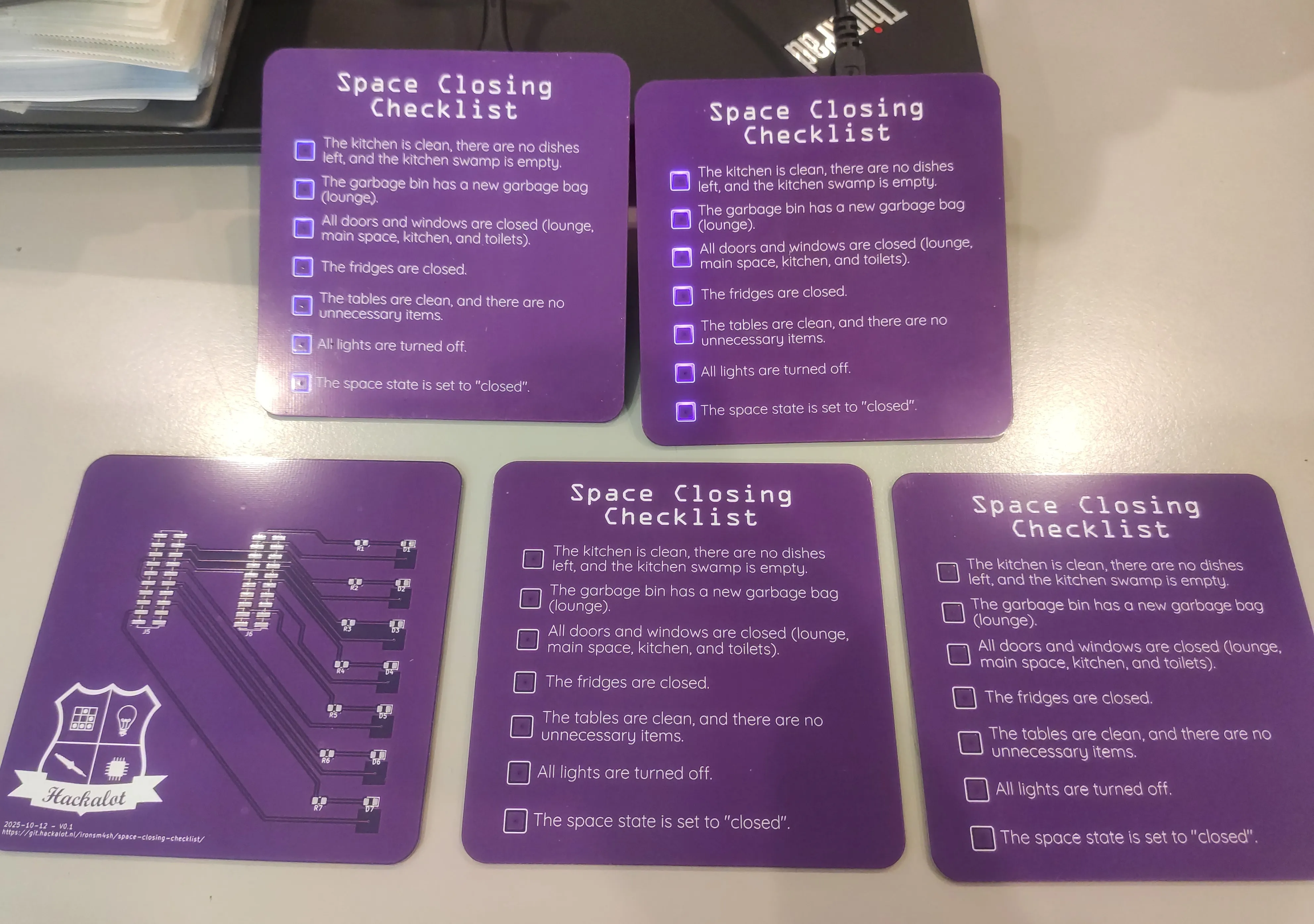
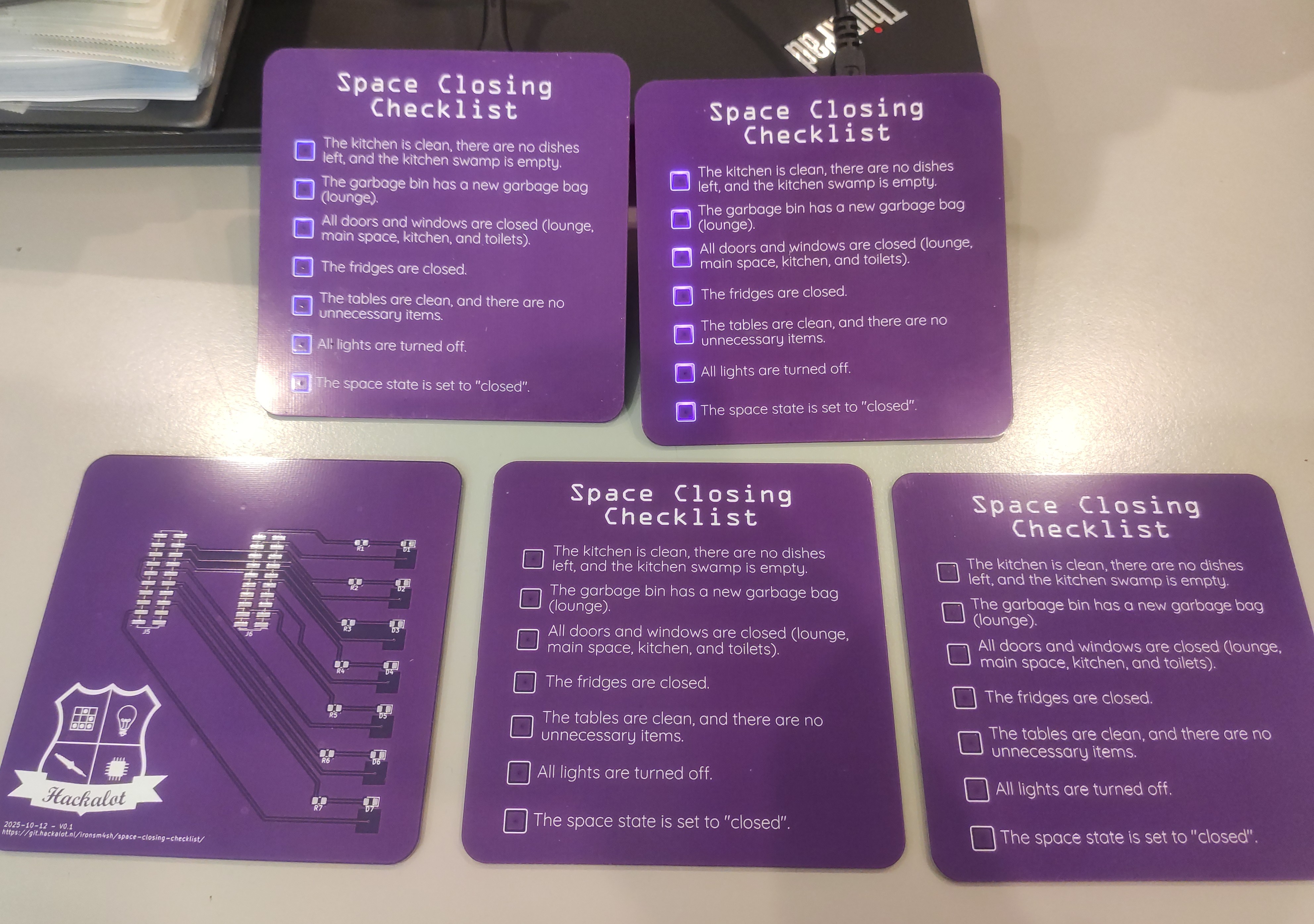
They are synchronised using MQTT, which has a separate topic for each touch pad. This also allows some external interactions to work through node-red. After connecting to MQTT, the following simple logic sets the LED state that is set through MQTT.
void NetworkManager::messageReceived(char *topic, byte *payload, unsigned int length) {
  String topicStr(topic);
  int ledIndex = topicStr.substring(topicStr.lastIndexOf("/") + 1).toInt();

  if (ledIndex >= 0 && ledIndex < 7) {
    LED.set(ledIndex, payload[0] - '0', false);
  }
}

void LEDManager::loop() {
  for (int i = 0; i < 7; i++) {
    if (ledStates[i] == 0) {
      //  LED should be off
      digitalWrite(leds[i], LOW);
    } else if (ledStates[i] == 1) {
      //  LED should be on
      digitalWrite(leds[i], HIGH);
    } else if (ledStates[i] == 2) {
      //  LED should be flashing
      if ((millis() / 200) % 2 == 0) {
        digitalWrite(leds[i], HIGH);
      } else {
        digitalWrite(leds[i], LOW);
      }
    }
  }
}
The source code, and PCB designs to this checklist can be found here.
Thank you for reading this article.If you spot any mistakes or if you would like to contact me, visit the contact page for more details.